


Salesforce Commerce planning should start with the shopping journeys you need to improve, not an assumption that a new frontend will solve every performance problem. A faster product page still disappoints if inventory requests stall, promotional scripts block interaction or checkout loses the shopper’s cart.
For retail teams, the planning task is to connect architecture, measurable performance targets and release risk. This guide focuses on Salesforce B2C Commerce storefronts, where existing implementations, integrations and merchandising workflows strongly influence the right approach.
Define the performance contract before the project scope
Start by naming the journeys that matter commercially: arriving on a campaign landing page, browsing a category, selecting a product variant, adding to cart and completing checkout. Include returning customers and authenticated shoppers, not just anonymous homepage visits.
For each journey, record its current performance, business outcome and accountable owner. A useful planning statement is specific: “Improve mobile product-page responsiveness without changing promotional eligibility or reducing analytics coverage.” That gives engineering, merchandising and analytics teams a shared acceptance criterion.
A Salesforce Commerce performance plan should distinguish three kinds of success:
- Shopper experience: Faster visible content, responsive interactions and stable layouts on representative devices.
- Commercial outcomes: Add-to-cart rate, checkout completion and revenue per session, interpreted alongside traffic mix.
- Operational reliability: Correct pricing, inventory, promotions and order creation through normal and peak conditions.
Treat faster loading and transaction correctness as separate requirements. Neither substitutes for the other, and both need explicit sign-off before launch.
Choose the smallest architecture change that solves the problem
A rebuild is one option, not the default. First establish whether the bottleneck comes from frontend code, service calls, caching, third-party integrations or a combination of these.
For Salesforce Commerce teams, the main decision is often whether to improve an existing storefront or take on the additional scope of a decoupled frontend.
| Approach | When it deserves consideration | Planning obligation |
|---|---|---|
| Optimize an existing SFRA storefront | The current experience supports the business and bottlenecks are identifiable | Audit cartridges, templates, assets, caching and integrations before estimating work |
| Adopt a decoupled storefront | The business needs frontend flexibility that justifies additional ownership | Define rendering, API access, deployment, monitoring and merchandising workflows |
| Deliver targeted changes first | A high-value journey can improve without a full rebuild | Confirm routing, session, cart and analytics continuity across changed boundaries |
SFRA, or Storefront Reference Architecture, uses server-rendered storefront patterns. A decoupled implementation shifts more responsibility to the frontend application and its supporting services. Neither approach is inherently fast or slow in every implementation.
Use Salesforce’s developer documentation to validate implementation requirements. If newer options are under consideration, our Storefront Next overview provides additional context. Confirm availability, licensing and migration requirements before committing them to a delivery plan.
Document the decision and the alternatives rejected. That prevents the project from reopening its architecture debate every time a new feature enters the backlog.
Build a baseline that explains where time goes
A single Lighthouse score cannot explain an entire retail estate. Combine controlled lab testing with real-user monitoring, then segment results by template, device, geography and shopper state where traffic volume permits.
The Salesforce Commerce baseline should distinguish browser work from network and service delays. Otherwise, a frontend team may spend weeks reducing JavaScript while an uncached service request continues to delay the page.
Trace representative journeys from the initial request through rendering and interaction. Inspect server response time, image discovery, font loading, JavaScript execution and requests for pricing, inventory or recommendations. Record cache behavior as well as response duration.
Use the Core Web Vitals definitions and thresholds as a common experience standard. The good thresholds are Largest Contentful Paint at 2.5 seconds or less, Interaction to Next Paint at 200 milliseconds or less and Cumulative Layout Shift at 0.1 or less, assessed at the 75th percentile of page views. Evaluate mobile and desktop separately.
Also establish transaction-level measures. Track add-to-cart failures, checkout errors and order confirmation success. These are not Core Web Vitals, but they expose failures that a fast-looking page can hide.
Keep the baseline reproducible: record the test device, network conditions, catalog state, consent state and enabled integrations.
Prioritize dependencies as well as page templates
Category and product pages deserve attention, but planning only by template misses dependencies shared across the storefront. A consent manager, review widget or promotion service can affect several journeys at once.
In a Salesforce Commerce backlog, each performance task should identify the dependency it changes, the journeys it affects and the evidence needed to prove improvement. “Optimize product pages” is too broad to estimate or accept reliably.
Inventory third-party scripts with their business owners. Establish whether each must load before the page becomes usable, after consent, after interaction or only on selected routes. Remove duplicate functionality before adding another optimization layer.
Review caching with equal care. Public product content and shopper-specific prices do not have the same safety requirements. Cache keys, invalidation rules and personalized responses need explicit design so speed improvements do not expose account-specific information or stale commercial data.
Treat AI features as another dependency to assess. Recommendations and conversational assistance should have timeouts, failure behavior and a clear place in the loading sequence. An unavailable assistant should not prevent a shopper from selecting a size or reaching checkout.
Where a fix has broad impact, test more than the page that first revealed the issue. Shared code can improve one journey while breaking another.
Set Salesforce Commerce release gates before development
Agree on acceptance criteria while scope is still negotiable. This is more effective than discovering during launch week that marketing, engineering and commerce operations have different definitions of “ready.”
Use both controlled tests and production evidence, recognizing that they answer different questions.
| Gate | Evidence to collect | Acceptance principle |
|---|---|---|
| Rendering and interaction | Repeatable lab runs on agreed devices and networks | Meet the project’s budgets without meaningful regressions |
| Real shopper experience | Real-user LCP, INP and CLS by relevant segment | Meet agreed field targets as sufficient traffic accumulates |
| Transaction integrity | Tests for variants, promotions, cart, payment and order creation | All launch-blocking scenarios pass |
| Measurement continuity | Validated events and campaign parameters | Preserve the reporting needed to evaluate the release |
| Resilience | Service timeout, failure and peak-load tests | Maintain defined fallback behavior and acceptable error rates |
Core Web Vitals thresholds are useful reference points, not a complete project specification. Set additional budgets for the things your team controls, such as JavaScript payloads, image delivery and service latency. Derive those budgets from the baseline rather than copying arbitrary numbers.
Field data also takes time to accumulate. The Chrome User Experience Report uses a rolling 28-day window, so it cannot provide an immediate verdict on a new release. Use controlled tests and your own monitoring for early decisions, then confirm sustained results with field data.
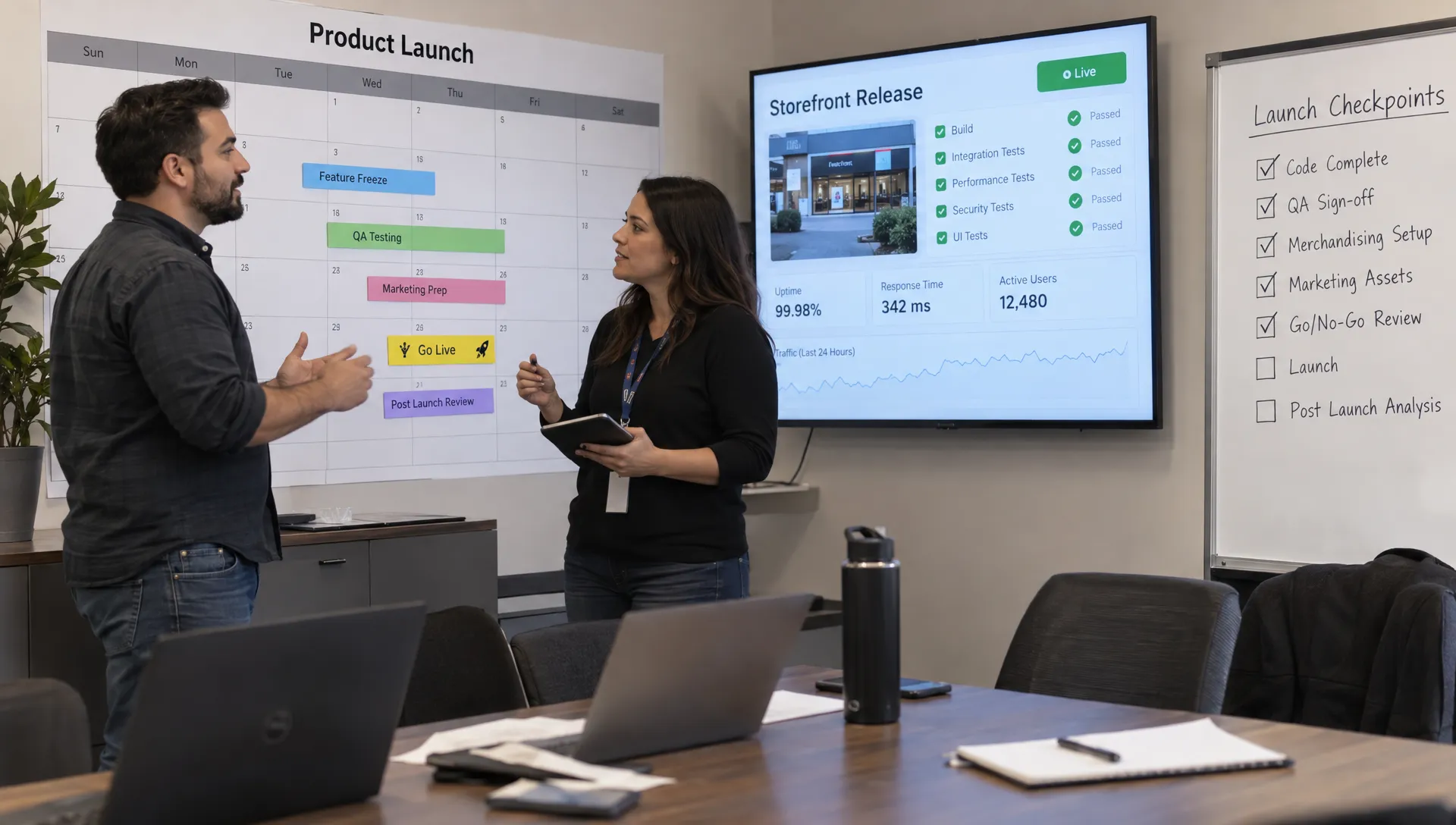
Protect acquisition measurement while reducing overhead
Performance work can change how and when analytics fires. Delaying a tag may improve loading behavior but also alter attribution or event counts. Plan those changes deliberately rather than treating every removed request as an unconditional improvement.
A Salesforce Commerce measurement plan should map key events from landing through purchase, identify their owners and specify consent requirements. Validate event timing and duplication as well as whether an event appears at all.
For retailers with a wholesale arm, creator-led acquisition can add another measurement requirement. Platforms such as Naano’s B2B LinkedIn creator marketplace trace attributed clicks and leads back to individual posts. If those campaigns are part of your acquisition mix, check that campaign parameters survive landing-page navigation and lead submission without making nonessential tracking block rendering.
Keep the launch comparison disciplined. Segment by channel, device and new versus returning shoppers before interpreting a conversion change. A promotion or a different traffic mix can move revenue independently of storefront performance.
Our guide to connecting site speed with revenue explains how to keep technical improvements tied to commercial evaluation without assuming that every metric moves for the same reason.
Sequence delivery around risk and learning
Build the roadmap around dependencies and reversibility, not an arbitrary promise to complete every template in the same sprint.
Start with instrumentation and low-risk improvements that make the baseline more trustworthy. Then address high-impact dependencies before attempting broader architecture changes. Reserve time for transactional edge cases, including expired promotions, unavailable variants, failed payments and returning shoppers with existing carts.
For a Salesforce Commerce release, a useful sequence is baseline validation, targeted remediation, representative journey testing, limited production exposure and broader rollout. The exact schedule depends on the estate and release constraints.
Use a small number of explicit checkpoints:
- Before development: Approve scope, ownership, budgets and the architecture decision.
- Before production exposure: Pass agreed functional, performance, accessibility and measurement tests.
- Before expanding traffic: Review error rates, cart continuity, payment outcomes and early performance evidence.
- Before closing the project: Confirm operational ownership and review field results after sufficient traffic accumulates.
A limited rollout might use an eligible traffic cohort, region or feature flag where the implementation supports it. Do not assume every storefront can split traffic safely without additional work.
Define rollback conditions before launch. Restoring an earlier frontend may not undo API, configuration or data changes. Document compatibility requirements and rehearse the recovery path, including who can authorize it.
Budget for the operating model after launch
The delivery estimate should include more than development hours. Account for monitoring, testing, integration maintenance, accessibility checks and the merchandising work needed to operate the resulting storefront.
A Salesforce Commerce optimization program needs named owners for ongoing performance. Otherwise, new campaigns and integrations can gradually consume the headroom the project created.
Assign responsibility for reviewing performance budgets when teams add scripts, change product media or introduce personalization. Include representative performance checks in the release process and investigate regressions before they become the new baseline.
For decoupled implementations, clarify who supports the frontend runtime, APIs, deployment process and incidents. A flexible architecture is only useful if the organization can maintain it.
Keep the operating plan short enough to use: an ownership matrix, a monitoring routine and an escalation path. Review it alongside commercial results rather than maintaining a separate technical report that nobody uses to make decisions.
Frequently asked questions
Do we need to rebuild to make the storefront faster? Not necessarily. Rendering choices, images, scripts, service calls and caching may offer substantial opportunities within the current implementation. Establish the bottleneck before deciding whether a rebuild is justified.
Is headless automatically faster than SFRA? No. A decoupled storefront can still deliver excessive JavaScript, slow API requests and ineffective caching. Compare approaches using representative shopping journeys and the operating responsibilities each introduces.
Which Salesforce Commerce metrics should determine launch readiness? Use a combination of performance budgets, transaction correctness, error rates and measurement validation. Core Web Vitals provide an experience standard, but they do not confirm that promotions, payment or order creation work correctly.
How long should the planning phase take? There is no reliable universal duration. Scope it around concrete outputs: a reproducible baseline, dependency inventory, architecture decision, prioritized backlog and approved launch gates. Missing access or unclear ownership can delay those outputs more than the analysis itself.
Plan the next release around evidence
Space Dinosaurs helps retail teams combine performance optimization, human-centered UX, engineering and analytics. If you are planning storefront improvements, talk with Space Dinosaurs about establishing the baseline, identifying the highest-value changes and defining a release plan that protects checkout. Start with a measurable problem and a clear acceptance test, then choose the architecture needed to solve it.