


Your e commerce seo company says the technical fixes are complete. Before you approve the work, ask for evidence that the changes reached production, behave correctly on representative URLs and have not damaged the shopping experience. A completed audit or a higher technical-health score does not establish any of those things.
You do not need to become a developer to check the work. You need agreed acceptance criteria, access to the right evidence and a repeatable way to distinguish a deployed fix from a recommendation that never shipped.
Define what “fixed” means before reviewing results
Start with the actual assignment, not a fresh audit of everything on the website. Each issue should identify the affected templates, the intended change and the behavior that will count as a pass.
“Fix duplicate product pages” is too vague. A testable requirement might be: tracking-parameter versions of a product URL point to the agreed canonical URL, internal links use the preferred version and the XML sitemap excludes duplicate versions.
Build a small test set covering each affected template and its exceptions. Include ordinary products, variants, temporarily unavailable items, category pages, filtered categories and paginated results where relevant. Add commercially important URLs rather than relying entirely on a random sample.
Approve observable behavior, not a promised score increase. Record the baseline before deployment so you can tell what changed and whether it solved the original problem.
What should your e commerce seo company prove?
Ask for a verification package that connects each recommendation to a production change. It should let another person reproduce the result without attending a presentation.
For each completed issue, request:
- Scope and diagnosis: Affected URLs or templates, the original behavior and the reason it mattered.
- Implementation record: The ticket, deployment date and code or configuration reference where available.
- Before-and-after evidence: Crawl exports, HTTP responses, rendered HTML or tool results appropriate to the issue.
- Acceptance result: The test performed, its outcome, remaining exceptions and the person responsible for follow-up.
A screenshot can support this record, but it should not be the whole record. A green dashboard does not reveal which URLs were tested or whether the test ran before the latest deployment.
Keep ownership of Search Console and analytics accounts with your business. Give reviewers appropriate access rather than passing around passwords. When server logs are needed, use an approved process that protects customer data and credentials.
This package is the basis for the checks below, not an additional reporting exercise disconnected from delivery.
Test crawlability and indexability at the URL level
Ask your e commerce seo company to demonstrate the difference between a page being accessible, crawlable and eligible for indexing. These are related conditions, not interchangeable ones.
A page can return HTTP 200 while containing a noindex directive. A URL blocked in robots.txt can still appear in search results, and blocking crawling can prevent Google from seeing a page-level noindex instruction.
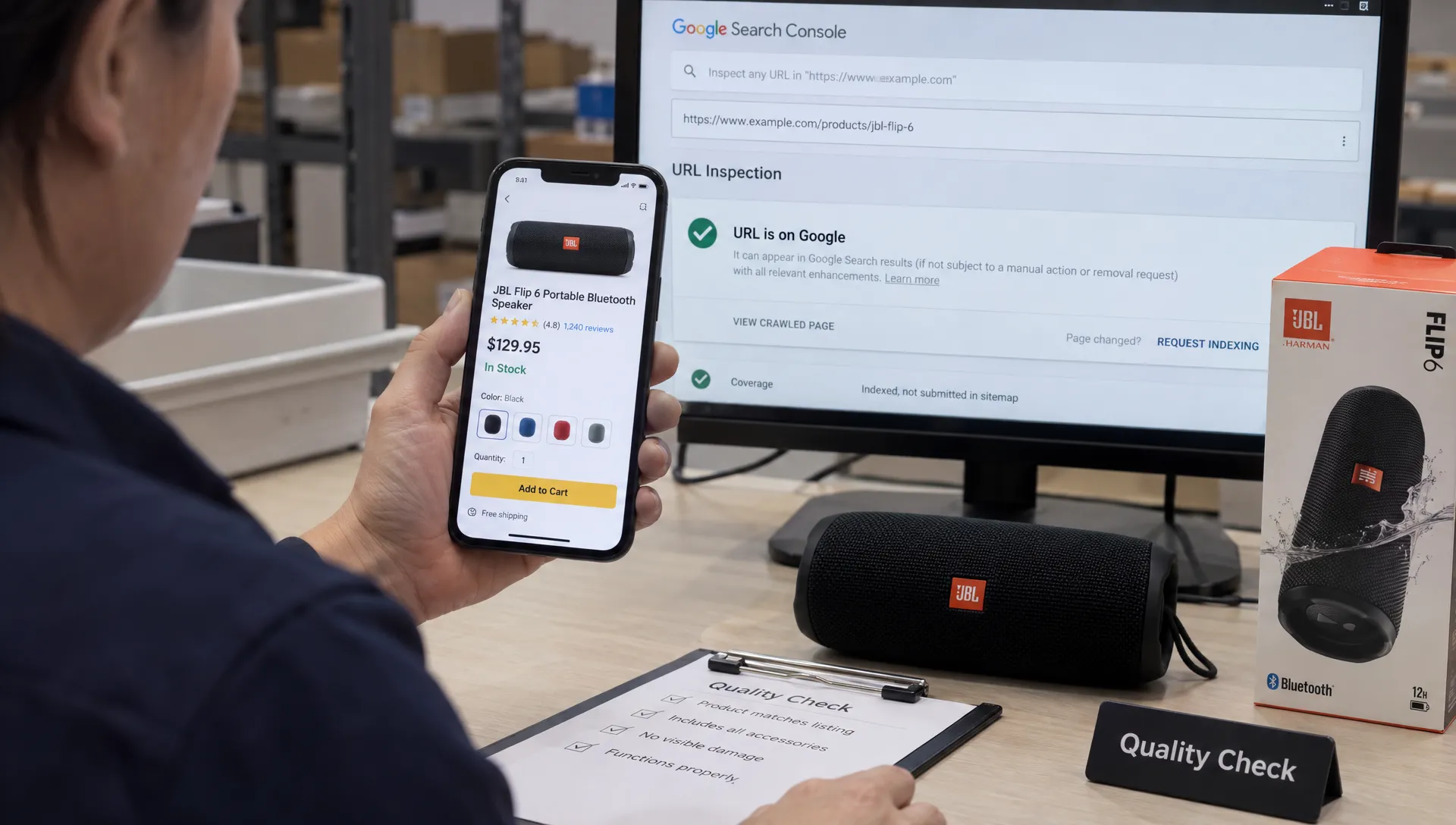
Use a crawler alongside Google Search Console URL Inspection. Review the indexed information and the live test separately: the indexed version reflects Google's previous processing, while the live test checks the current page. Neither a successful live test nor an indexing request guarantees inclusion in search results.
| Check | Evidence to inspect | Typical acceptance condition |
|---|---|---|
| HTTP response | Response headers and redirect chain | The intended page loads without unexpected errors or redirects |
| Crawl access | Applicable robots.txt rules | Search crawlers can reach pages intended for indexing |
| Indexing directives | HTML robots tags and X-Robots-Tag headers | No unintended noindex directive is present |
| Discovery | Internal links and XML sitemap | Important preferred URLs are discoverable |
| Google processing | URL Inspection indexed details | Google's recorded state is reviewed against the intended behavior |
Test representative URLs immediately after release. Check Google's processing again later, allowing for recrawling. A correct deployment and an updated Google index are separate milestones, so record both rather than calling the work unsuccessful simply because search results have not changed overnight.
Verify canonicals, filters and pagination separately
Your e commerce seo company should explain which URL versions deserve independent search visibility and which are duplicates. That decision needs to reflect the catalog and customer demand, not a blanket rule for every parameter.
For canonical changes, inspect the actual canonical element in the page and compare it with redirects, internal links and sitemap entries. The preferred destination should be an appropriate, indexable page. Google's documentation explains that canonicalization consolidates signals across duplicate or very similar pages, but Google can choose a different canonical from the one declared.
Filter testing needs its own cases. A useful, curated category such as “waterproof hiking boots” may deserve an indexable landing page. Arbitrary combinations of size, sort order and tracking parameters usually require different treatment. Ask for the decision rule and test examples on both sides.
Do not automatically canonicalize every pagination URL to page one. Later pages contain different product sets and need an appropriate discovery strategy. Confirm that crawlers can reach products beyond the first batch, especially when the interface uses infinite scroll.
Also check product availability rules. Temporary stock shortages do not automatically justify removing a page. Permanently removed products may need a relevant replacement redirect or a genuine 404 or 410 response. Redirecting every discontinued item to the homepage is not a sound default.
Check the rendered product page, not just the crawl
Have your e commerce seo company show what is present in the initial HTML and what appears after JavaScript rendering. Then compare both with the page a shopper actually uses.
For affected templates, inspect the product name, price, availability, description, canonical tag and navigation links. If essential information appears only after an interaction or fails when a script errors, a clean crawl summary can miss the underlying problem.
Internal navigation should use crawlable links with real destinations. A filter button can improve the interface without providing a discoverable route to an important category. Test that distinction rather than assuming every clickable control functions as a search-friendly link.
Content checks should also reflect the product being sold. For example, a canvas retailer's pages should surface the details shoppers need when checking the quality of canvas prints online, such as material specifications, close-up images and edge finishing. Verify that relevant details remain accessible after a template or rendering change, rather than approving a page because its word count stayed constant.
Finally, test image galleries, variant selection and add-to-cart behavior on mobile. Technical SEO work is not complete if the revised template exposes content correctly but prevents customers from selecting a size or purchasing the item.
Validate structured data against the live offer
A structured-data validator checks syntax and eligibility requirements. It does not establish that the markup accurately describes what customers can buy.
Ask your e commerce seo company to test representative product types, including variants, sale items and unavailable products. Compare the markup with the visible page and the selected product state.
Check that prices, currencies, availability values and product identifiers are accurate where supplied. Ratings must correspond to legitimate review information, not placeholder values introduced to satisfy a testing tool. Variant handling should follow a consistent model that represents the actual product relationships.
Use Google's Rich Results Test to identify errors and review warnings individually. Not every warning is a release blocker, but every unresolved item should have a documented explanation. Passing the test does not guarantee that Google will display a rich result.
Where the retailer also submits a shopping feed, compare shared attributes such as price and availability. A template fix should not leave structured data describing an older offer than the one shown on the page or supplied through the feed.
Retest speed with comparable field and lab data
Performance evidence needs a consistent testing setup. Compare the same templates under similar device, network, cache and consent conditions, and record which third-party scripts were active.
Your e commerce seo company should distinguish laboratory diagnostics from real-user experience. A single Lighthouse score is useful for investigating a page, but it does not prove that customers across your catalog experienced an improvement.
For Core Web Vitals, Google's published good-experience thresholds are Largest Contentful Paint at 2.5 seconds or less, Interaction to Next Paint at 200 milliseconds or less and Cumulative Layout Shift at 0.1 or less, assessed at the 75th percentile.
Check whether field data describes the specific URL or a broader origin-level aggregation. Chrome UX Report data generally uses a rolling 28-day window, so an improvement will not immediately replace the entire reporting period. Missing field data is not itself a failed performance test.
For immediate release checks, use repeated lab runs to investigate loading and layout behavior. Lighthouse's Total Blocking Time can help diagnose responsiveness problems, but it is not a direct measurement of field INP.
Test the complete retail experience, too. A faster page achieved by disabling reviews, hiding product images or breaking consent handling is not an acceptable optimization. Record performance gains alongside functional checks so the trade-off is visible.
Review deployment safety and regression coverage
A fix that works on one URL can fail elsewhere because templates, locales or inventory states differ. Ask your e commerce seo company for evidence that the release was tested beyond the example in the original ticket.
Review what was tested in staging, what was rechecked in production and how the team would reverse the change. Staging results alone cannot confirm production behavior because caching, redirects, robots rules and third-party integrations can differ.
Pay particular attention to environment-specific settings. Production must not inherit staging restrictions, while test environments need appropriate access controls and indexing safeguards. Recheck both HTML directives and response headers when those configurations change.
Request recurring checks for the most damaging regressions: unexpected noindex directives, broken canonical targets, server errors, missing product markup and lost navigation links. These checks can run through a crawler, automated tests or scheduled monitoring, depending on the stack.
Confirm that someone owns each alert and knows what action to take. Monitoring that sends an unattended email is not an effective safeguard.
For higher-risk releases, define a rollback trigger before deployment. A template-wide indexing restriction or broken purchasing flow should not wait for the next monthly SEO review.
Sign off on implementation separately from business results
Your e commerce seo company should report two different things: whether the technical change passed acceptance testing and whether search or commercial performance subsequently improved.
A deployed correction may be valid before Google recrawls the affected pages. Conversely, rising organic revenue does not prove that a canonical fix worked, especially when promotions, seasonality or inventory changed at the same time.
Use three clear decisions. Accept work that meets the agreed tests. Accept with monitoring when implementation is verified but external processing or longer-term field data remains pending. Return for correction when the production behavior fails the requirement.
Then review outcomes using affected page groups, deployment dates and a suitable comparison period. Track indexing changes, qualified organic visits and commercial metrics without presenting every movement as caused by the release. Space Dinosaurs' guide to measuring ecommerce SEO services explains how to connect technical health with broader performance measurement.
Keep the acceptance record attached to the original issue. That gives future reviewers a clear explanation of what changed, why it was approved and which results still need observation.
Frequently asked questions
Can I check technical SEO work without being a developer? Yes. You can review representative URLs, Search Console results, acceptance criteria and before-and-after evidence. Complex rendering, server configuration or code changes may require an independent technical reviewer, but the provider should still explain the evidence in plain language.
What if my e commerce seo company only supplies an audit score? Request the underlying issue list, affected URLs, deployed changes and reproducible tests. Scores can help prioritize investigation, but they are not sufficient evidence that a particular problem was resolved correctly.
How soon should I check a technical fix? Check production behavior immediately after deployment. Revisit Search Console after Google has had time to recrawl and reprocess the affected pages. Review real-user performance over a suitable reporting window rather than expecting every measurement to update at once.
Does a sitemap submission prove that pages are indexed? No. A sitemap helps discovery and communicates preferred URLs, but it does not guarantee crawling or indexing. Verify page accessibility and indexing directives, then review Google's recorded state separately.
Make technical sign-off part of delivery
Require a baseline, a documented change and a repeatable production test for each important fix. Keep unresolved questions visible instead of hiding them behind a completion percentage.
If your retail team needs help connecting technical SEO requirements with engineering, performance and UX, Space Dinosaurs supports ecommerce builds, maintenance and ongoing optimization. Start with the affected templates and acceptance criteria so the work has a clear definition of done.